Overview
A game tool development built with C#, MonoGame, and Windows Forms, featuring visual level editing, Lua scripting, and a complete asset pipeline. Designed as a technical demonstration of game tools development with modular architecture supporting 3D model, terrain editing, and real-time content creation.
Screenshots
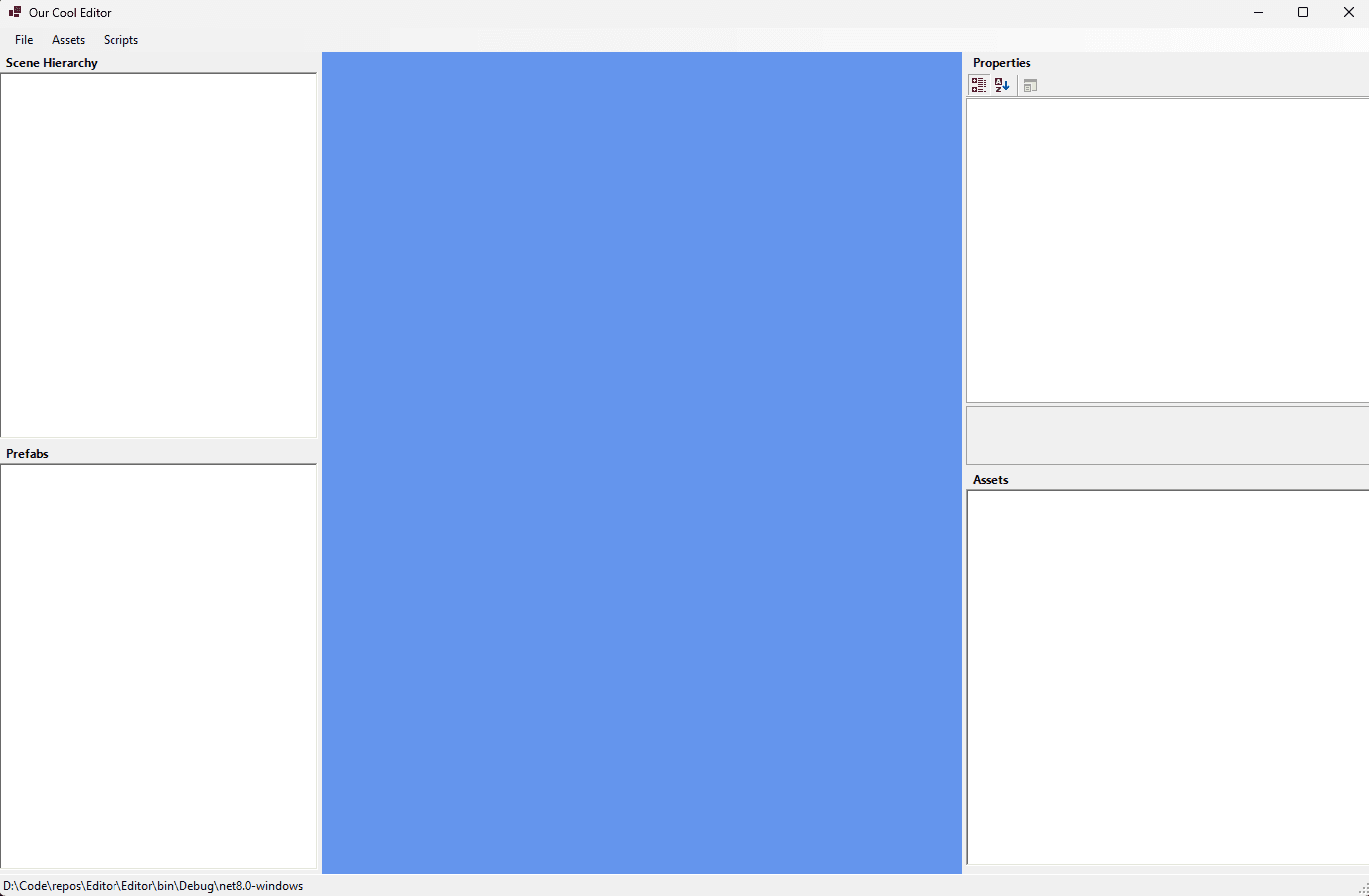
Main Editor Interface
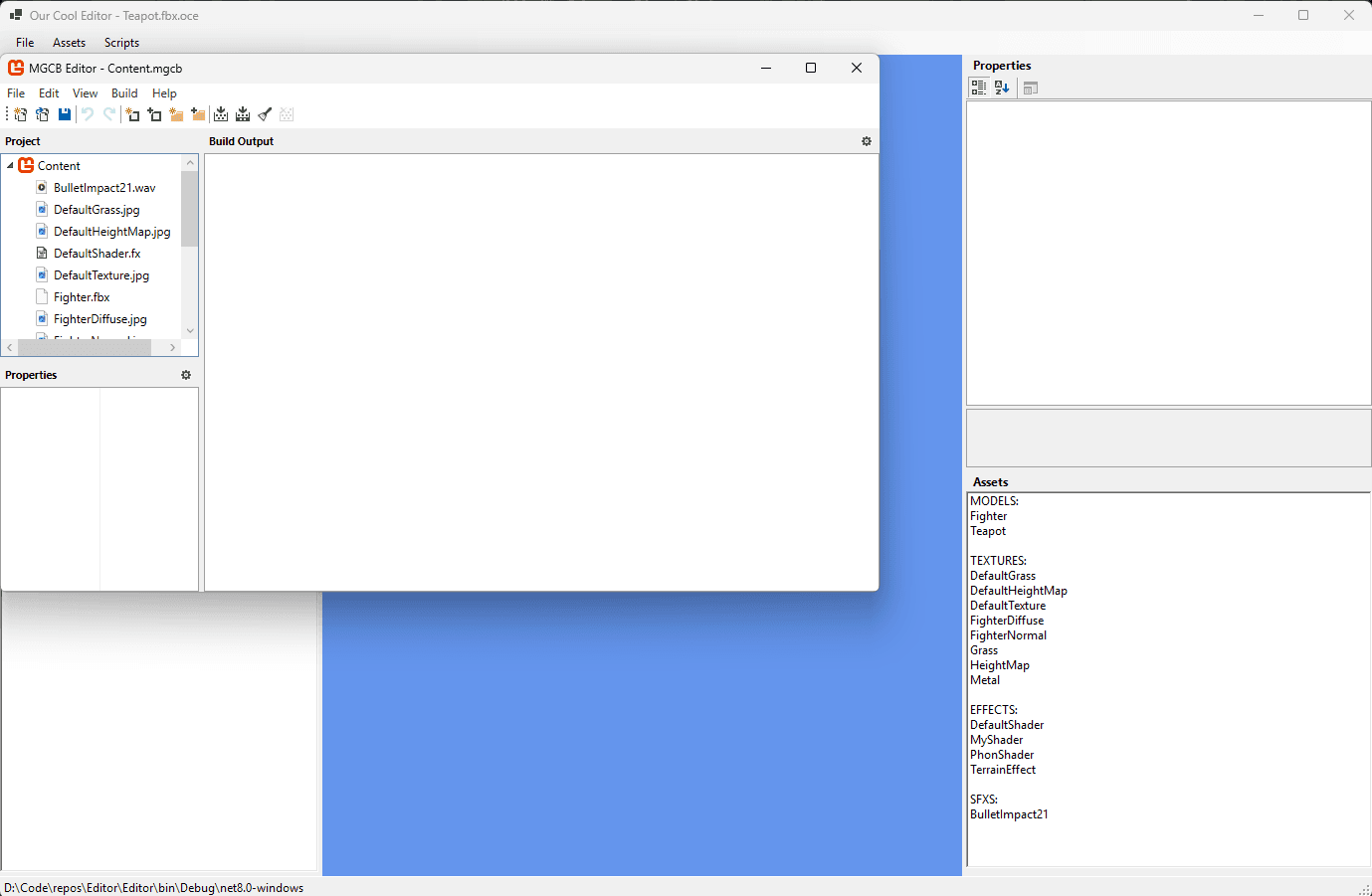
Asset Pipeline
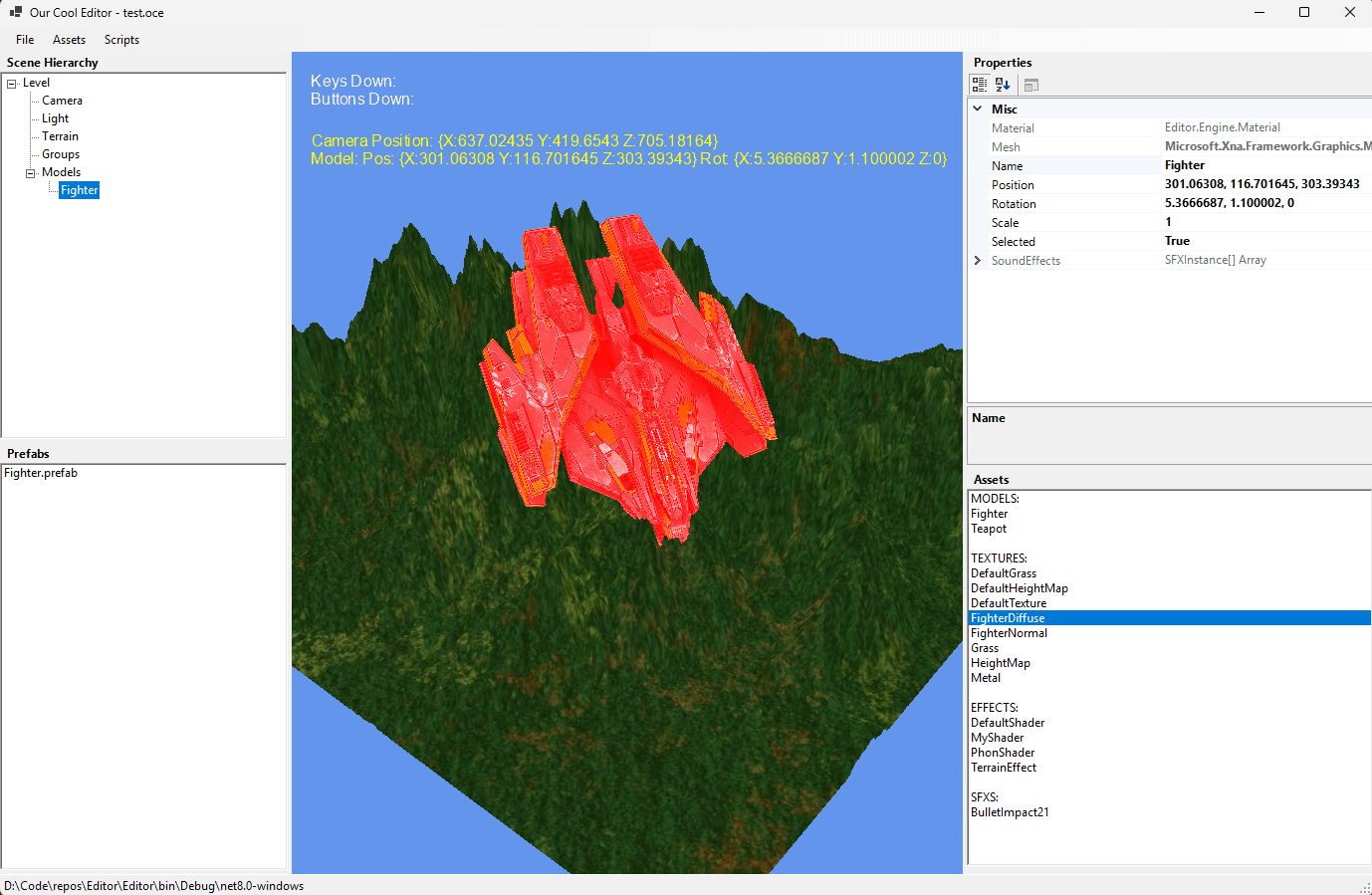
3D Scene Editing
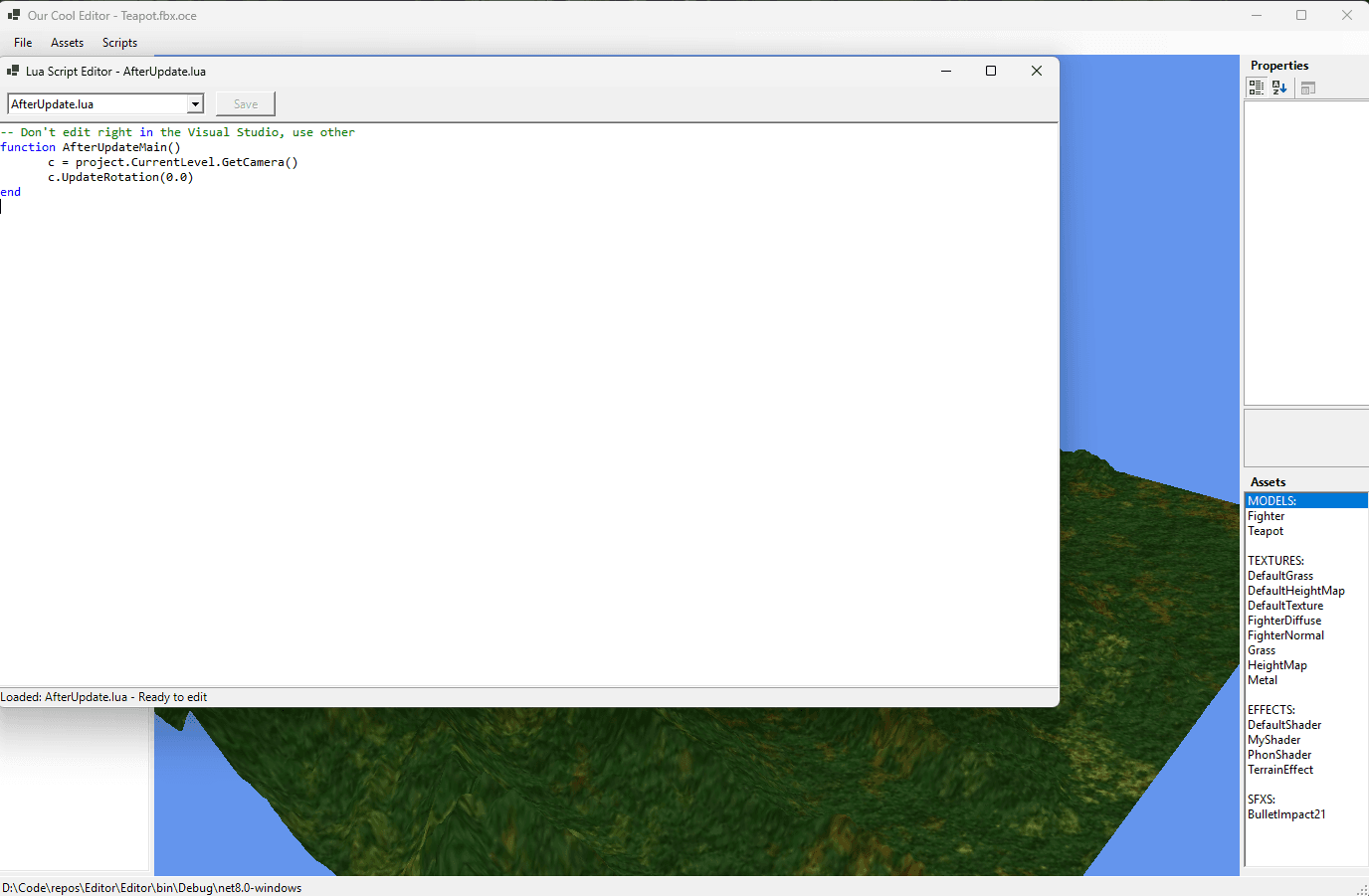
Script Editor
Project Metrics
MonoGame
Framework
Lua (MoonSharp)
Scripting
MGCB
Content Pipeline
Windows Forms
Editor UI
Key Features
Visual 3D Editor
3D scene editing with drag-and-drop model placement. Includes transform tools for moving, rotating, and scaling objects with visual selection feedback.
Asset Pipeline
MonoGame Content Builder integration supporting multiple asset types: 3D models (.fbx), textures (.jpg, .png), shaders (.fx), audio (.wav), and fonts (.spritefont).
Lua Scripting
Integrated Lua scripting system for custom game logic. Scripts can hook into update and render cycles with script reloading and access to game objects.
Terrain System
Height-map terrain generation with texture mapping and collision detection. Supports visual terrain editing with updates and customizable materials.
Prefab System
Create reusable object templates that can be saved and instantiated. Maintains object properties and relationships for hierarchies.
Scene Management
Organize scenes with tree-view hierarchy and grouping. Edit object properties using integrated property panels.
Architecture
- →Editor Layer: Windows Forms UI with integrated MonoGame viewport, property grids, and asset browsers
- →Engine Layer: Core game systems including Camera, Renderer, Level management, and Input handling
- →Scripting Layer: MoonSharp Lua integration with C# object binding and runtime script execution
- →Asset Pipeline: MonoGame Content Builder for processing and compiling game assets
- →Serialization System: Binary serialization for projects, levels, and game objects
Challenges & Solutions
Managing hierarchical grouping and selection in scene tree
Implemented nested group system with recursive selection handling, allowing objects to be organized in groups while maintaining individual and batch selection capabilities in both tree view and 3D viewport.
Coordinating selection between hierarchy panel and 3D scene
Created bidirectional selection system that synchronizes tree view highlighting with 3D object selection, supporting multi-object selection and group-based operations across both interfaces.
Managing complex model selection and property editing
Created unified selection system with ray-casting for 3D picking, bounding sphere intersection tests, and integrated property grid that dynamically updates based on selected objects.
What I Learned
Gained expertise in MonoGame framework architecture and integration with Windows Forms applications
Learned content pipeline development and asset management strategies for game tools development
Learned how to integrate Lua scripting with C# using MoonSharp for runtime script execution and object binding
Acquired knowledge of 3D mathematics for camera controls, object transformations, and ray-casting for object selection
Implemented serialization systems for saving and loading project data
Gained experience in tool development patterns including property grids, tree views, and drag-and-drop interfaces
Future Improvements
Add visual shader editor for creating custom materials
Build animation timeline for keyframe-based animations
Integrate physics simulation with collision editing
Add performance profiling tools for analyzing scene complexity and rendering costs
Explore more projects